GOOD NEWS: Right now you CANNOT buy this book.
Get A Free* Copy Right Now Before This OFFER ENDS:
* (Requires $6.95 contribution towards the cost of shipping to you anywhere in the world)
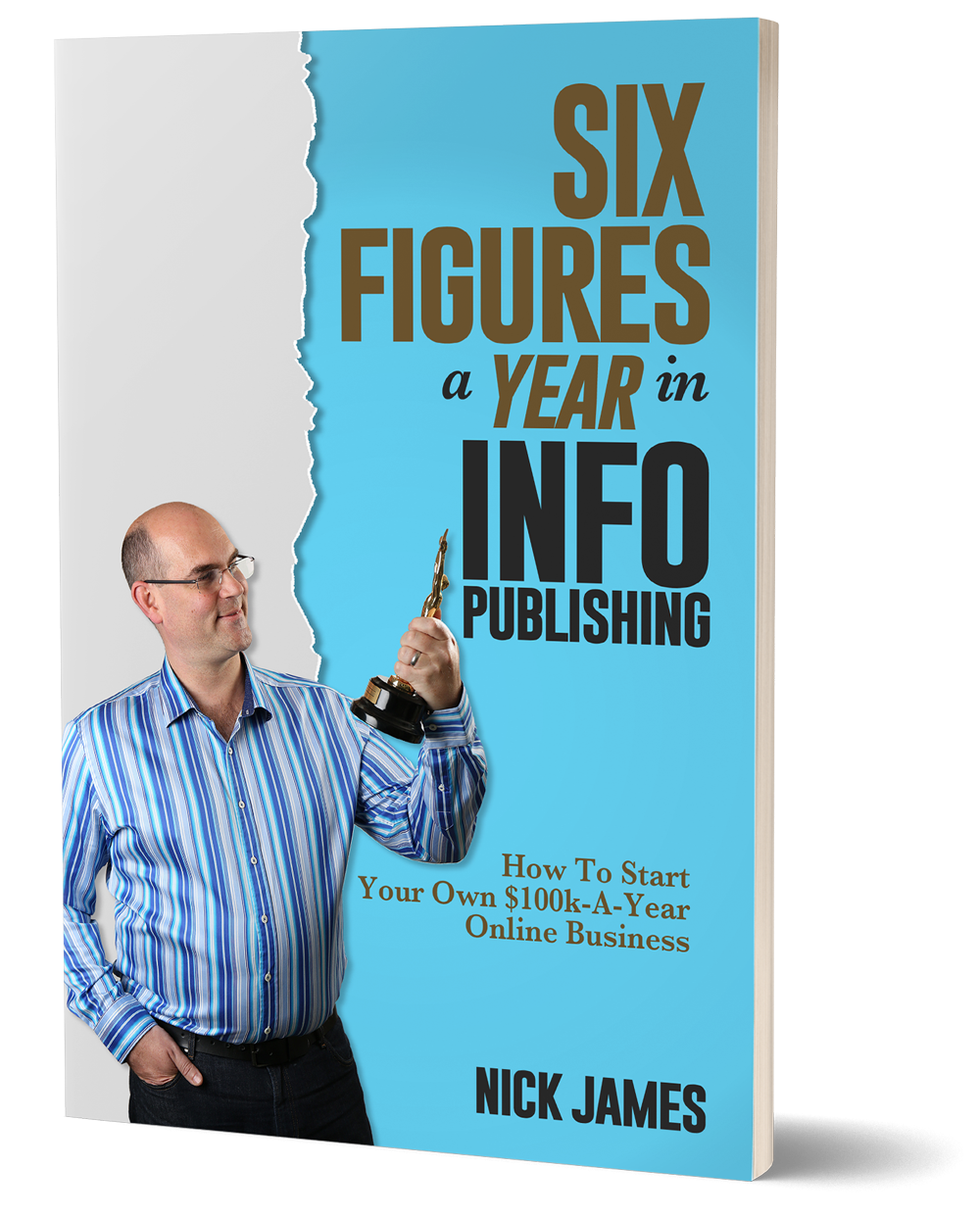
My neighbors were shocked when they discovered I was the author of this book
(… they’d all just assumed I was an obnoxious Lottery Winner!)
But what happened once they’d discovered the secret behind my ‘millionaire lifestyle’ shocked me.
I hope you’re not going to react the same way.
Let’s see …
I’ve always seen myself as a ‘regular guy next door’.
I keep myself to myself but I’d never turn a neighbor away from the front door if they needed to ‘borrow’ a cup of sugar.
So when that knock on the door came a couple of months after I moved into my new home, I was happy to invite ‘Baz?’ in while the sugar ‘loan’ deal went down.
(‘Baz’ of course is not his real name – you’ll see why I’m protecting their real identity in a moment.)
“You want a coffee Baz” I asked him out of politeness.
“Sure, why not Nick” he eagerly replied.
The usual small talk ensued while I put the kettle on until Baz noticed a copy of the book I’d just written on the table.
“OMG, is that you on the cover of that book – have you written a book?” he asked.
“Yeah I wrote that” I said rather self-consciously.
(Still feels a bit weird saying I’m an ‘author’.)
“How to make six figures a year in info publishing” he said as he read the cover of the book out aloud “… so what’s it about then?”
And before I had chance to answer he followed up with another question …
“Six figures … that’s like a hundred grand right?”
 And I swear he didn’t even say that in a Homer Simpson voice.
I resisted the urge to respond by asking him if he wanted half a dozen donuts to go with his coffee and instead said …
“Actually Baz it can mean anything from $100,000 all the way up to $999,000 a year”.
“Woah” he exclaimed “and people actually make that kind of money every year do they? I mean I know that CEOs of massive companies make that kind of dough but I didn’t think every days Joes like us could do that?”
“Yep, thousands of people have done that and some of us even bring in seven figures a year” I replied.
“So, this ‘info publishing’ thing, that’s how you’re managing to drive an Aston Martin? … and the Range Rover? … and that monster of a motorhome? … and is that how you’re paying for all of those exotic holidays?” He asked, pointing at the photos on the wall of me and my family on safari in Africa and scuba diving in the Indian Ocean just off the coast of Zanzibar.
“We’d all assumed you had won the Lottery” he said “you know, seeing as you don’t seem to have a job and you just hang out with your wife at home all day … and you’re obviously way too young to be retired.”
I waited a couple of seconds for a ‘just kidding type of smile’ to show up on his face but it didn’t come.
Instead he just gave me one of those ‘I’m waiting for an explanation’ type of stares – you know the dead pan look a police officer uses on you after he’s pulled you over and he asks you if you know why he’s pulled you over (or is that me and another story for another day?!)
“Well, yeah it is” I said as the realisation dawned on me that the whole neighborhood had obviously been talking about me (trying to guess my ‘dodgy career choice’).
“The ‘info publishing’ business has been good to me Baz. I’ve banked over $16,000,000 since I started a few years back and you’re right it’s not like having a job. Two or three hours and I’m done most days” I said trying not to sound smug as I heard back how ridiculously good that sounded.
“Hey Baz do you fancy giving ‘info publishing’ a go yourself?” I asked him.
“The book shows you exactly how I’ve built a ‘work’ from home business that brings in more money each month than most people make in a year. You could easily do the same yourself if you simply follow the instructions in the book. Here, take this copy” I said as I handed him the book.
And that’s when it happened …
He took a last gulp of coffee and said “Nah, I think I’ll pass on that Nick … I’m not much of a reader you know.”
“Anyway, thanks for the coffee and the sugar” he muttered. “Gotta get off, my lady will be wondering what I’m up to over here hanging out with a guy like you! I’ll see myself out. And good luck with the book buddy.”

And before I had chance to express my disbelief in a John McEnroe type of ‘YOU CANNOT BE SERIOUS’ outburst … he was out of the back door and gone.
Now, don’t you think it’s sad how most people would prefer to gossip with their buddies about what that guy or gal driving past in the ‘nicer’ car (or living in the ‘nicer’ home or enjoying ‘nicer’ holidays) is ‘getting up to’ that enables them to have that millionaire lifestyle?
Particularly when the conclusion they come to is that it must be something shady or just downright illegal.
Meanwhile, some of us actually find out what these folks are doing to ‘have it all’.
We discovered that ‘info publishing’ is a hugely profitable business model – a business model that’s used by everyone, from work from home entrepreneurs, to billion dollar companies.
And the model is simple to copy and get similar results.
As you’ll see when you read my book, that’s EXACTLY what I did just a few years ago when I was driving a rusty old van and had a chance meeting with a guy driving a brand spanking new $100,000 7 Series BMW.
First I actually asked him what he did.
He told me he was an info publisher.
Now, he hadn’t written a book … BUT … he had made a video tapes that explained how to be an info publisher and he very generously gave me a copy of his VHS video tapes.
Then, I SIMPLY COPIED THE MODEL HE’D GIVEN ME.
And within a few short weeks my life had changed forever.
In fact, in just 14 days I’d banked just short of $16,000.
Within months I was having regular 5 figure days.
And I hit the 6 figures a year mark in about 18 months.
And now – through this book I've written – I explain to anyone who will listen, EXACTLY how to transform their life by becoming an info publisher too.
Anyway, my book currently isn’t for sale (I’ll explain why in a moment) … BUT … if I offered to give you a copy of my book for FREE, what would your reaction be?
Option 1
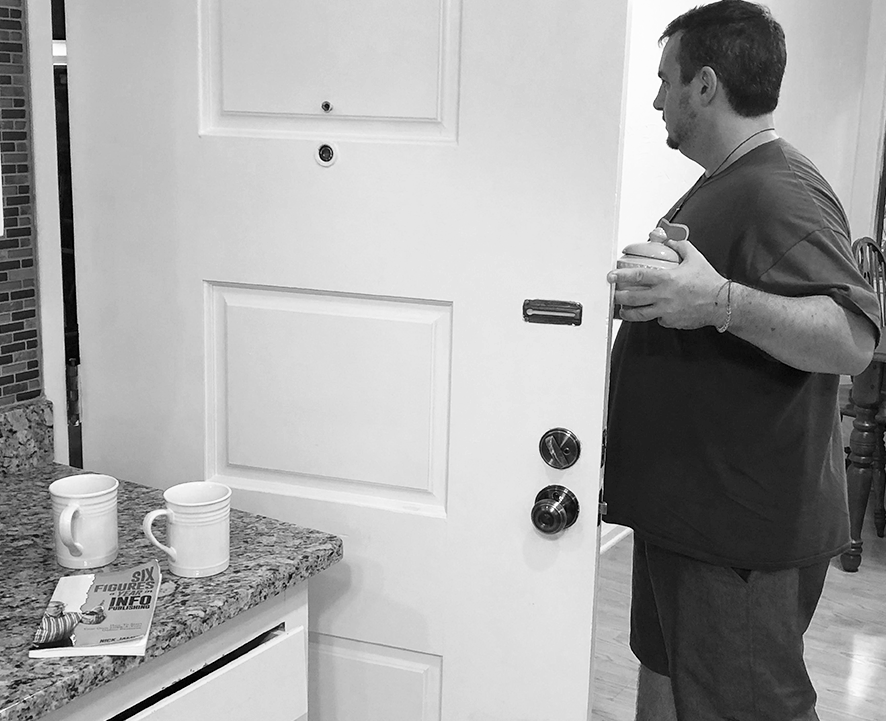
Would you 'head for the door’
and get the heck out of here as fast as you could?
Option 2
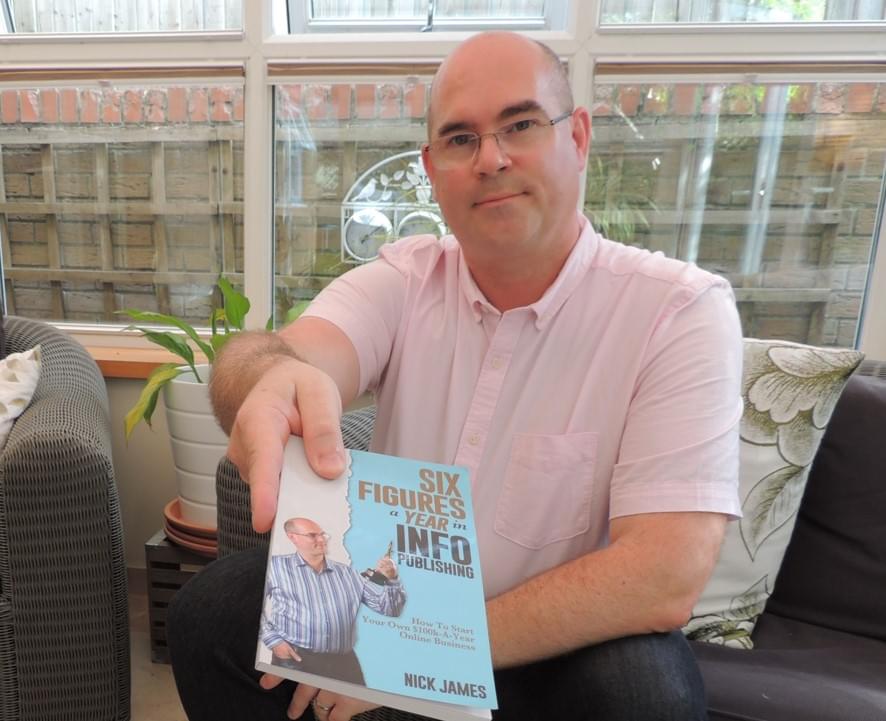
Would you grab my book with both hands so you could create a 6 figure business
(and lifestyle!)

Copyright 2019 - eShowcase Inc. and www.InfoPublishing.net - All Rights Reserved
Privacy Policy | Terms of Services | Contact Us |
THIS WEBSITE IN NO WAY IS AFFILIATED WITH FACEBOOK OR ANY FACEBOOK ENTITIES. ONCE YOU LEAVE FACEBOOK THE RESPONSIBILITY NO LONGER IS ON THEIR SITE. WE MAKE EVERY ATTEMPT TO CLEARLY STATE AND SHOW ALL PROOF. WE DO NOT SELL YOUR EMAIL OR ANY INFORMATION. CAN SPAM COMPLIANT. IF YOU HAVE ANY QUESTIONS PLEASE FEEL FREE TO USE THE CONTACT US LINK ABOVE THIS TEXT. ALL TRADEMARKS AND LOGOS ARE THE PROPERTY OF THEIR RESPECTIVE OWNERS. THIS SITE AND THE PRODUCTS AND SERVICES OFFERED ON THIS SITE ARE NOT ASSOCIATED, AFFILIATED, ENDORSED, OR SPONSORED BY ANY BUSINESS LISTED ON THIS PAGE NOR HAVE THEY BEEN REVIEWED TESTED OR CERTIFIED BY ANY OTHER COMPANY LISTED ON THIS PAGE. THE RESULTS SHOWN ARE NOT TYPICAL AND RESULTS WILL VARY BASED ON YOUR MARKET, YOUR EFFORTS, COMPETITION AND MANY OTHER FACTORS OUTSIDE OF OUR CONTROL.